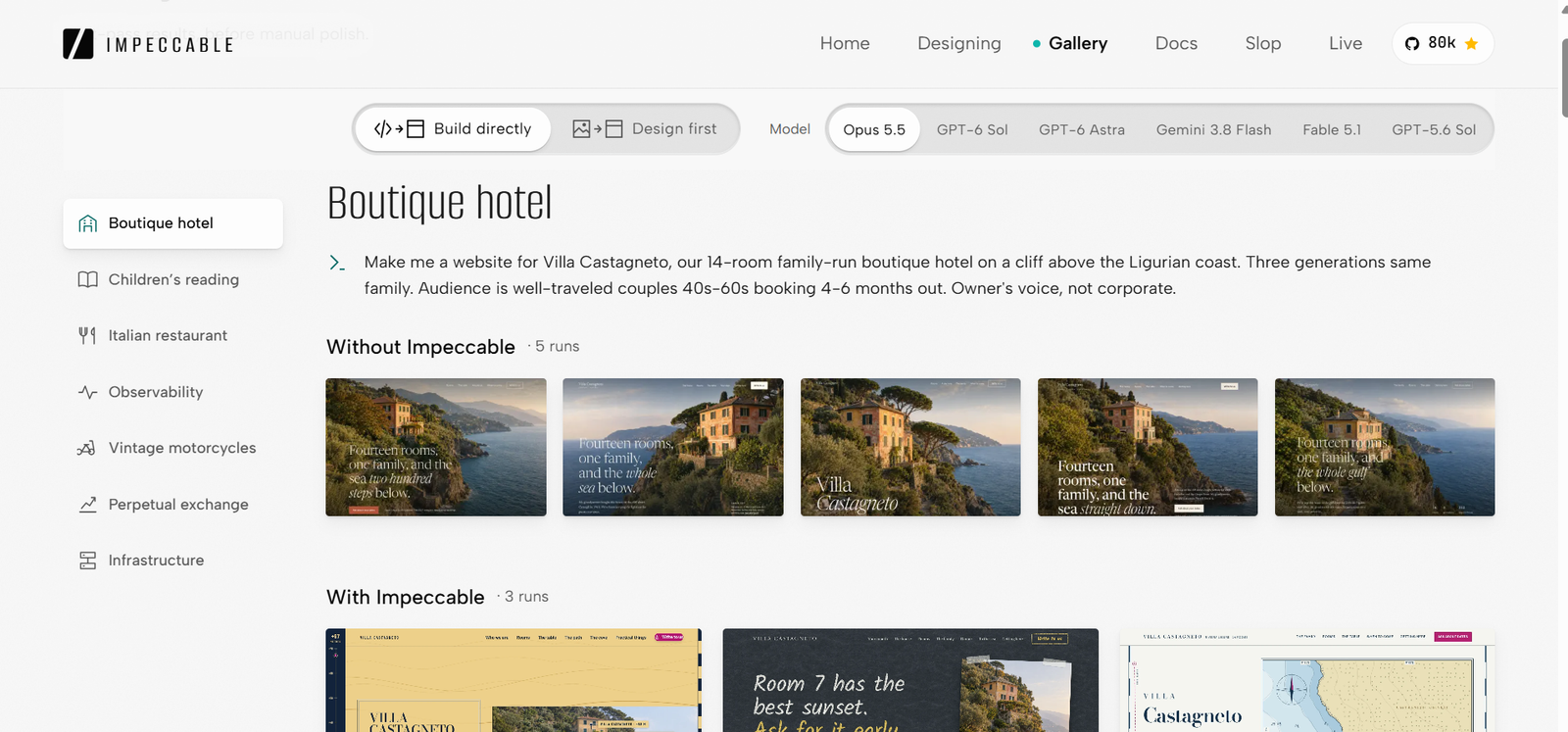
I Tried Impeccable : The AI Design Skill That Wants to Kill UI Slop for Good
Every AI agent I used gave me the same boring UI. Then I added Impeccable to my workflow and the output actually changed. Here is my full honest experience with it.
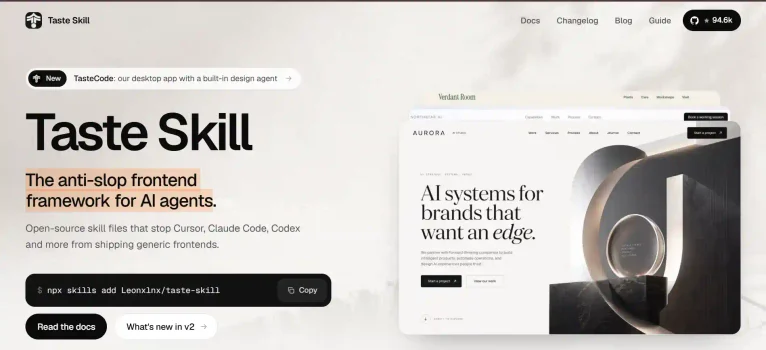
Check it: Agent skills for frontend development : Tasteskill.dev
The Project That Made Me Look for Something Better
A few weeks back I was working on a small web app. Nothing huge — a dashboard with a few data views, a settings page, and a sign-up flow. I was using an AI coding agent to move fast. And the agent was doing great with the logic side of things. State management, API calls, all of it came out clean. But then I looked at the actual UI.
It was exactly what you have probably seen a hundred times. A white background. A blue primary button. Cards with a generic shadow. Everything centered with the same padding. It did not look like my product. It looked like every AI-generated dashboard I had ever seen. I call this AI slop and I was drowning in it.
I tried fixing it myself. I gave the agent detailed prompts about the visual direction I wanted. I said things like “make it look more professional” and “use a custom color palette.” The agent tried. But after every iteration, it still found its way back to something that looked templated. It was like the agent had no memory of what good design actually felt like.
That is when I started searching for a proper fix. I needed something that could sit between my prompts and the agent’s output — something that would teach the agent what I actually wanted from a design perspective, permanently.
I found Impeccable. And after spending a good amount of time with it, I have a lot to say.
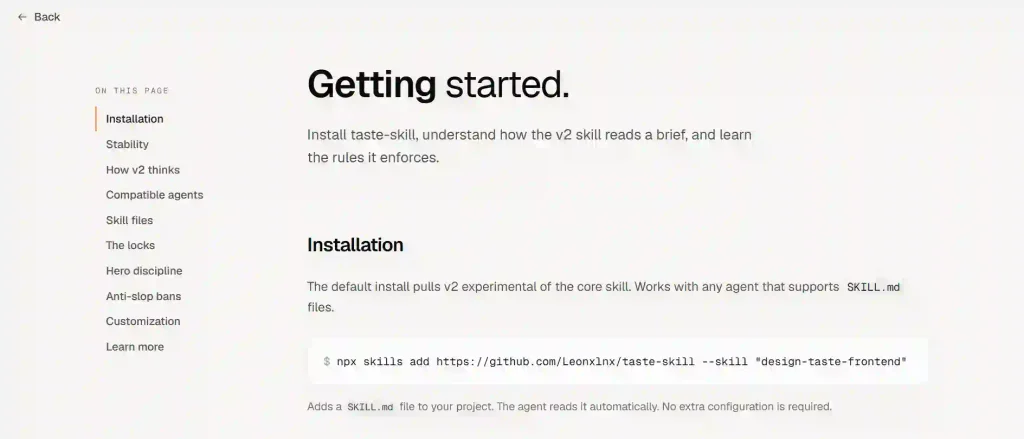
What Is Impeccable?
Impeccable is a design skill for AI coding agents. It installs into your coding tool — Cursor, Claude Code, Codex, Gemini CLI, and several others — and gives the agent a proper design brain. Once it is in your project, you call it with /impeccable and it starts making real design decisions instead of defaulting to whatever is most common.
It comes with a set of commands for different parts of the design workflow. You can use it to create a new UI from scratch, improve something that already exists, run a design audit before shipping, or maintain visual consistency across your whole project. Installing it is quick:
npx impeccable install
If you are using Claude Code specifically, you can also find it in the plugin marketplace. Just open /plugin, go to Discover, and install it from there. For GitHub Copilot users, it is already built in — you just need to enable it under Settings → Experimental.
After the install, you run:
/impeccable init
This writes a PRODUCT.md file to your project. That file holds your audience, your goals, and any constraints the agent should always be aware of. From that point on, the agent has persistent context it reads every time it touches your UI.
What Actually Went Well
What I Liked
- Persistent design context via PRODUCT.md and DESIGN.md
- 59-check detector catches AI defaults automatically
- Works without changing my normal agent workflow
- Hooks run checks in the background as the agent edits
- Live Mode for picking elements directly in the browser
- Commands cover the whole design lifecycle, not just creation
What Bothered Me
- Mockup-first mode needs an image generation API key
- Takes a few sessions to fully understand the command set
- DESIGN.md needs manual updates when you change things
- Detector finds known patterns only — it cannot judge intent
- Documentation is sparse on exact command syntax
The thing that impressed me most was how Impeccable handles persistent context. Most AI tools forget your preferences between sessions. Impeccable writes them to files. My PRODUCT.md holds who the product is for and what it needs to do. My DESIGN.md holds my palette, typography choices, spacing scale, and component rules. Every time the agent touches my UI now, it reads those files first. The design stays consistent without me having to repeat myself.
The 59-check detector was another big one. It runs quietly in the background through hooks, and it flags common AI design defaults — things like overused shadows, generic button styles, poor typographic hierarchy. I did not even have to think about it. It just caught things and pushed the agent to fix them.
A Real Code Example
Here is what a typical session looks like for me now. I am building a new page and I want Impeccable to design it properly from the start:
/impeccable design a settings page for a SaaS dashboard — audience: developers managing API keys and team members — keep it consistent with our existing DESIGN.md
Before writing a single line of code, the agent reads my PRODUCT.md and DESIGN.md, asks me one or two questions about decisions it cannot safely assume, and then builds toward a specific visual direction. The output already has proper typographic scale, the right spacing, and a color scheme that matches the rest of my project. I am not tweaking fundamentals after the fact anymore. For fixing an existing page, I use the critique command a lot:
/impeccable critique — what is holding back the pricing page?
It diagnoses the problem areas and tells me exactly where to start. I choose which changes to make. That part matters to me Impeccable makes recommendations, but I stay in control of the final decisions. And before I ship anything now, I always run:
/impeccable audit /impeccable polish
Audit checks for accessibility issues, responsive behavior problems, and anti-patterns. Polish tightens up hierarchy, spacing, and consistency. Running both before a release has saved me from shipping obvious issues more than once.
Where It Gets Complicated
I want to be straight with you. Impeccable is genuinely good, but it is not a clean setup for everyone. The mockup-first workflow where the agent generates a visual comp and then builds toward it in code — sounds great on paper. In practice, it took several rounds to get the code anywhere close to the generated image. The agent kept drifting back to its own interpretation of the mockup. I eventually switched to the code-led approach, which builds directly without generating a visual first. That was more coherent on the first pass, but the output was also less visually ambitious.
The command set is also larger than it looks. There are about 25 commands across different categories — create, evaluate, refine, simplify, harden, system. Each one does something specific. I had to spend real time learning what to use when. The documentation gives you the command names but does not always explain the exact syntax for every situation. I found myself experimenting more than I would have liked.
A Specific Bug I Hit
Early in my setup, the hooks were not running correctly. The detector was installed but it was not giving the agent feedback as it edited files. The agent kept making changes without any design checks happening in the background. The fix was running the built-in doctor command:
npx impeccable doctor
This scanned my project, found that the hooks were pointing to an outdated context path from a previous install, and flagged it directly. I re-ran the install and the hooks started working. The doctor command is genuinely useful — it is the first thing I check now whenever something feels off.
My other recommendation: keep your DESIGN.md updated. The agent reads it as your source of truth. If you change your palette or update a component pattern and do not update that file, the agent will keep working from stale information. I learned this the hard way when I changed my type scale and the agent kept reverting to the old one.
How It Compares to the Alternatives
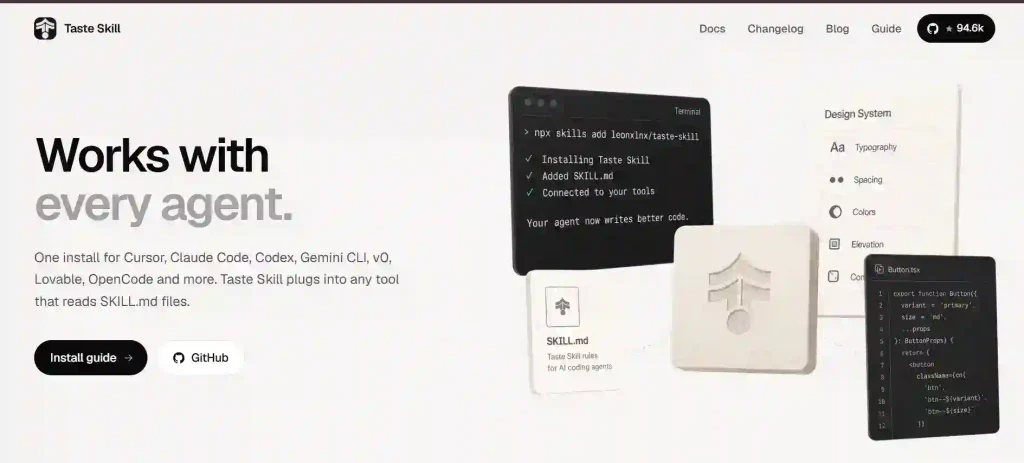
I have also used Taste Skill, which I reviewed separately. Here is how I see the two sitting next to each other, and how they both compare to just using raw AI prompting with no design framework at all:
| Metric | Impeccable | Taste Skill | No Framework (Raw Prompting) |
|---|---|---|---|
| Ease of Setup | Medium — one command but takes configuration | Easy — single npx command, works immediately | None — start instantly |
| Design Quality (First Draft) | High — reads PRODUCT.md and DESIGN.md before building | High — infers direction from brief automatically | Low — generic defaults every time |
| Consistency Across Sessions | Strong — persistent context files remembered each run | Good — SKILL.md stays in project, no per-session context | None — you repeat yourself every session |
| Ongoing Design Checks | Yes — 59-check detector + hooks run automatically | No — rules set direction, no automated checking | No |
| Learning Curve | Moderate — 25 commands across multiple categories | Low — one main skill, choose a variant | None |
| Community & Support | Growing — GitHub hosted, active development | Active — open source, clear documentation, sponsors | N/A |
| Best For | Ongoing projects that need maintained consistency | New projects or one-off UI generation | Quick throwaway prototypes only |
My honest take: Taste Skill is faster to get started with and better for creating something new from scratch. Impeccable is deeper and better for projects that are already in progress and need to stay consistent over time. I actually use both — Taste Skill for fresh starts, Impeccable for maintaining and improving.
Verdict — Who Should Use Impeccable?
If you are building a product that you are going to keep working on — not a one-off landing page but a real product with multiple pages, states, and a design system — Impeccable is worth the setup time. The persistent context alone makes every future session faster. The detector catches issues before they become habits. And the audit and polish commands before a release add a layer of quality you would normally need a dedicated reviewer for.
I also think it is great for developers who work alone or in very small teams where there is no dedicated designer. You are making design decisions whether you want to or not. Impeccable gives you a framework for making them well instead of accidentally.
Skip It If You Are
If you just need to throw together a quick prototype or you are building something you will never revisit, it is probably more setup than the task needs. Taste Skill is a better fit for that — lower friction, just as good for first-draft quality. Impeccable earns its complexity when you are in it for the long haul.
The live command — where you can pick elements in a running browser and steer changes directly — changed how I think about iterating on design. Instead of describing what I want in text and hoping the agent interprets it correctly, I just point at the element and tell it what direction to go. That single feature alone has saved me a lot of back-and-forth.
Solid framework with real depth. The persistent context system and 59-check detector are genuinely useful, not just marketing points. Docked points for the learning curve on commands and the gap in documentation. If the docs improve and the mockup-to-code workflow gets tighter, this is a 9+ tool easily.
Final Thoughts
I went into this looking for a way to stop AI agents from producing the same generic UI every time. Impeccable actually solved that problem. It does it differently from other tools — less about setting a single style direction and more about giving the agent a real design process to follow.
The setup takes some effort. Learning the command set takes time. Keeping your context files current is on you. But once it is running properly, the quality of what comes out of your agent sessions genuinely goes up. And it stays up across every new page, every new session, every update.
For me, that is worth it. I am keeping Impeccable in my workflow alongside Taste Skill. Between the two, I have not shipped a single piece of AI slop in weeks.
Have you tried Impeccable, or are you using a different approach to manage AI-generated design quality? Drop your experience in the comments — I would genuinely like to hear what is working for other developers.
One Comment