Best UI Library for Next.js and React Native Apps
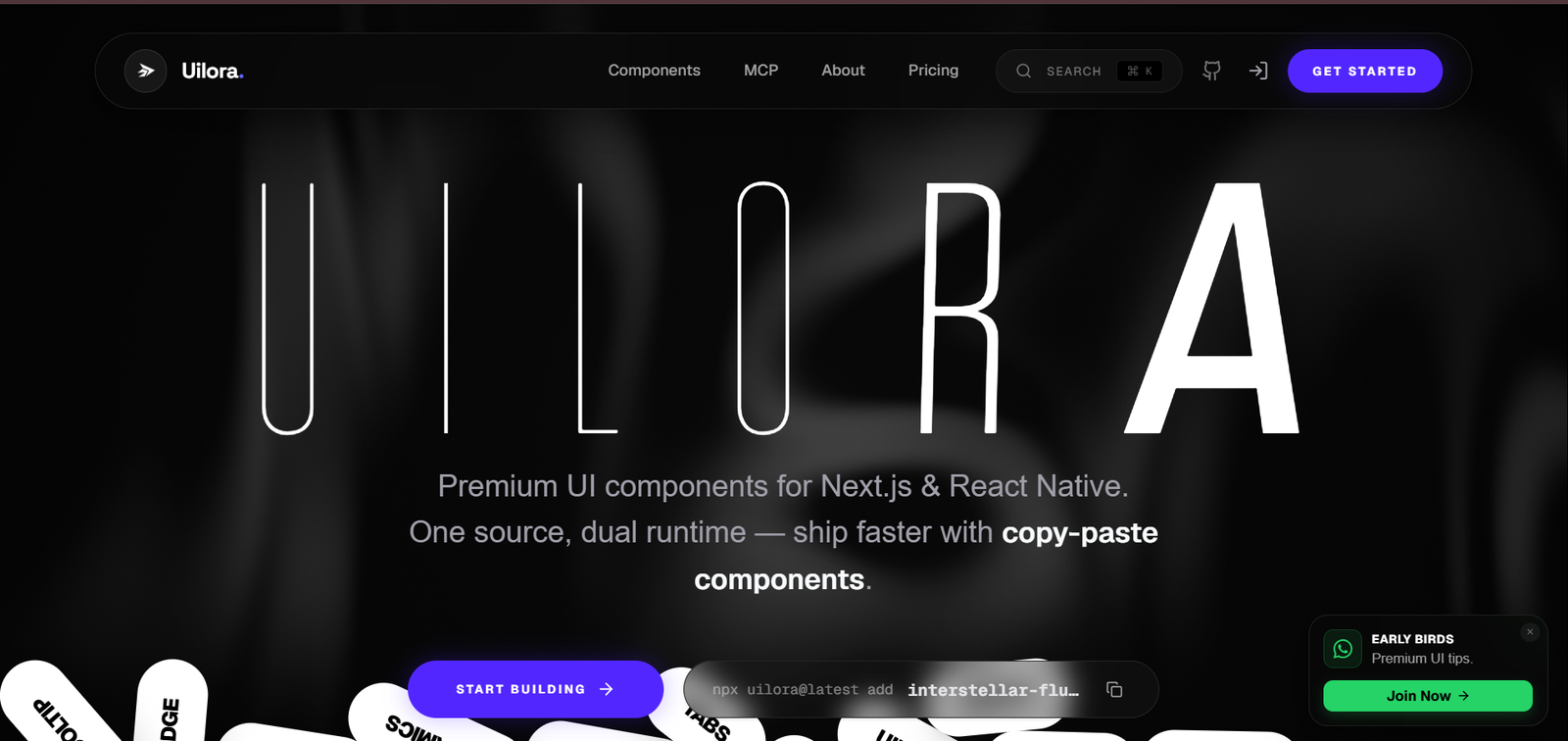
Best UI Library for Next.js and React Native: I’ve spent way too many hours copy-pasting Tailwind components from five different sources and stitching them together. Then I found Uilora — one library, 700+ components, and it works for both Next.js and React Native. Here’s my honest take.
If you’re building with Next.js or React Native and you’re tired of hunting for decent UI components across ten different GitHub repos — Uilora is genuinely one of the best options right now. It gives you 490+ free copy-paste components for both web (Next.js/React) and mobile (React Native/Expo), plus a CLI installer, TypeScript support, Framer Motion animations, and an MCP integration for AI-assisted development. The free tier is generous. The Pro ($99 one-time) unlocks everything including premium effects like the Liquid Chrome Hero that I’ll show you in this article.
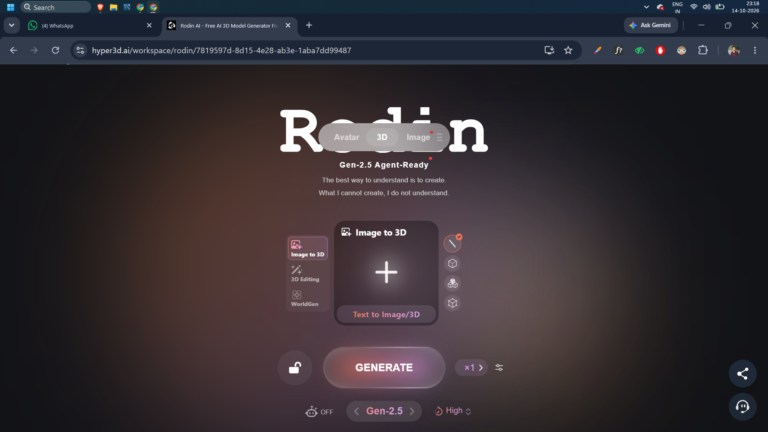
Read More: I Used Hyper3D Rodin to Generate Image to 3D Model Free — Here’s What Happened
Table of Contents
The Problem With Finding Good UI Components for Next.js
Every developer who’s built a Next.js project knows this pain. You find a beautiful hero section on one site. You find the pricing table you need on a different library. The navbar comes from somewhere else. And none of them use the same styling approach — one uses CSS modules, one uses Tailwind, one uses styled-components. You spend three days gluing things together and half the time is debugging style conflicts, not actually building.
And if you’re also building a React Native app? Forget it. You’re maintaining two completely separate component libraries with zero shared design language.
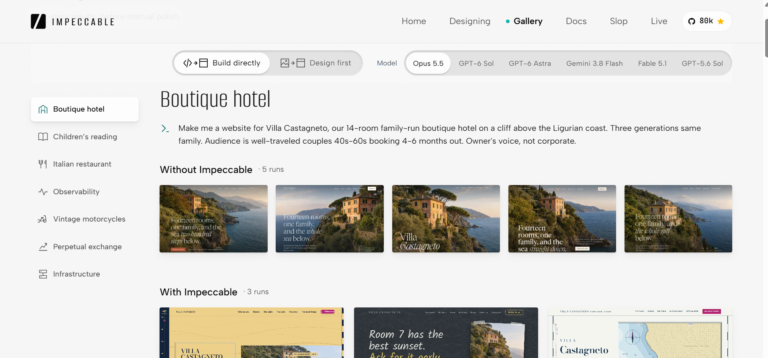
Read More: I Tried Impeccable : The AI Design Skill That Wants to Kill UI Slop for Good
That’s the exact problem Uilora was built to solve. One source, two runtimes — web and mobile. Every component uses the same design principles, the same naming conventions, the same TypeScript-first approach. I’m not going to pretend it’s perfect, but it’s the closest thing I’ve found to a “one library to rule them all” solution for the React ecosystem.
What Is Uilora and Why Should Developers Care?
Uilora is a copy-paste component library built specifically for Next.js (web) and React Native with Expo (mobile). It doesn’t install as a package you import from node_modules — instead, you use a CLI to copy the component source directly into your project. Think of it like shadcn/ui, but with more visual variety, animation-first components, and full mobile support.
The core stack Uilora components are built on is something most Next.js developers are already using:
# Install the base dependencies Uilora components neednpm install framer-motion clsx tailwind-merge
That’s it for dependencies. Framer Motion handles all the animations — the physics-based transitions, scroll reveals, cursor effects, and the more advanced WebGL effects. clsx and tailwind-merge handle utility class management. Once these three are installed, you can pull in any component with the CLI.
Should I Learn React Before Next.js? Here’s the Honest Answer
# CLI install for any componentnpx uilora@latest add [component-name] # Example — add the Liquid Chrome Heronpx uilora@latest add liquid-chrome-hero
The CLI copies the component source directly into your components folder. No package updates to worry about. No breaking changes forced on you. You own the code completely after that — edit it, gut it, extend it however you need.
700+ Components Across Every Category You’ll Actually Need
The headline number is 700+ components, split across web and mobile. On the web side alone, I counted 8 major categories with dozens of sub-sections. Here’s what’s available:
| Backgrounds & Visuals | 60+ items — gradients, noise, patterns, liquid effects |
| Landing Pages | Hero sections, SaaS dashboards, agency portfolios |
| UI Components | Forms, buttons, cards, modals, toasts, file uploads |
| Grids & Layouts | Bento grids, masonry, gallery grids, feature sections |
| Animations & Motion | Scroll reveals, text animations, parallax, 3D transforms |
| Navigation | Navbars, mega menus, footers, chat UI |
| Content Blocks | Testimonials, pricing tables, FAQs, timelines, stats |
| Crazy Components |
That last category — Crazy Components — deserves its own section because it’s genuinely impressive and unlike anything I’ve seen in shadcn/ui or similar libraries.
The “Crazy Components” Are Actually Insane
Most UI libraries give you sensible, production-ready components. Uilora does that too, but it also has this experimental section called Crazy Components that contains effects I would normally expect to find in an award-winning agency portfolio not a component library.
- Liquid Reveal
- Grid Distortion
- Neon Ribbon
- Image Trail Effect
- Flower Animation
- Prism Effect
- Dig Hole
- Sketchy Line
- Magnetic Cursor
- Slider Page
- Russian Website
- Molten Glass
The one that caught my eye immediately was the Liquid Chrome Hero. This is a WebGL-powered background component that simulates molten chrome — a reflective, fluid metal surface that responds to your mouse movement in real time. It runs on a WebGL canvas that fills its container, with four main props you can tune:
Change baseColor to [0.8, 0.6, 0.1] and you get gold. Try [0.1, 0.8, 0.7] and you get a neon aquamarine fluid metal. This kind of WebGL-powered, interactive hero component would normally take me a week to build from scratch with Three.js. With Uilora, it’s one CLI command and a few prop adjustments.
Uilora says the Liquid Chrome Hero is designed for luxury tech brands, agency portfolios, and high-end product reveals. I’d add: any startup landing page where you want people to stop scrolling immediately and notice your product exists.
How to Actually Get Started with Uilora in Your Next.js Project
1.Browse and pick a component: Go to uilora.com/get-started/web/components. Each component has a live high-fidelity preview. Find what you need, click into it, and check the props and variants before touching any code.
2 Install the base dependencies: Run npm install framer-motion clsx tailwind-merge in your project. These three packages power every Uilora web component. Most Next.js projects already have at least one of these installed.
3. Pull the component source with the CLI: Run npx uilora@latest add [component-name] and the CLI copies the TypeScript source directly into your /components folder. No black-box packages. You own and can edit the code.
4. Drop it into your page: Import the component and use it like any other React component. Every component is TypeScript-first with full IntelliSense — hover over any prop in VS Code and you’ll see the type and description.
For React Native / Expo, the workflow is the same — Uilora has a separate “App” section with mobile components. Instead of Framer Motion, mobile animations use React Native Reanimated, which is the standard for high-performance mobile animations in the React Native ecosystem.
The MCP Integration Is a Game-Changer for AI-Assisted Development
One thing I didn’t expect from a UI library is an MCP (Model Context Protocol) server. Uilora has one, and it works with Cursor and VS Code + Copilot.
What this means in practice: you can ask your AI IDE “add a scroll reveal animation to this section using Uilora” and it will pull the right component, configure it correctly, and drop it into your code with the props already tuned to match your context. It doesn’t just suggest the component name; it integrates with the library’s own API to give you accurate, up-to-date code.
The free plan gives you 50 MCP requests per month. Pro and Ultimate get unlimited requests. For a developer who uses Cursor or GitHub Copilot heavily, this alone might justify the upgrade it removes the lookup-and-copy friction entirely.
Uilora vs shadcn/ui vs Other UI Libraries — How Do They Compare?
| Feature | Uilora | shadcn/ui | Chakra UI | MUI |
|---|---|---|---|---|
| Next.js support | ✓ First-class | ✓ First-class | ✓ Supported | ✓ Supported |
| React Native support | ✓ Built-in App section | ✗ Web only | ~ Limited (NativeBase) | ✗ Web only |
| Copy-paste model | ✓ You own the code | ✓ You own the code | ✗ Package import | ✗ Package import |
| Animation components | ✓ Extensive (Framer Motion) | ~ Basic transitions | ~ Some built-in | ~ Limited |
| Crazy / WOW effects | ✓ WebGL, liquid, distortion | ✗ None | ✗ None | ✗ None |
| TypeScript support | ✓ Strict mode, IntelliSense | ✓ Full TypeScript | ✓ Full TypeScript | ✓ Full TypeScript |
| MCP / AI IDE support | ✓ Cursor + VS Code | ✗ None | ✗ None | ✗ None |
| Pricing | Free / $99 / $179 (one-time) | 100% free | Free (open source) | Free (open source) |
| Learning curve | Low — browse, copy, drop in | Low — similar CLI model | Medium — API to learn | Medium-High — verbose API |
The comparison makes the positioning clear: if you’re purely on the web and want a mature, battle-tested component library with zero cost, shadcn/ui is still excellent. But if you want animations, visual wow-factor, React Native components in the same design system, and AI IDE integration — Uilora is in a different category entirely.
Pricing Is the Free Tier Enough?
The pricing model is one-time lifetime payment, which I appreciate. No monthly subscription, no annual renewal. Pay once, use forever.
Free– $0 – Forever free
- 490+ standard components
- CLI install (free tier)
- 50 MCP requests/month
- Commercial license
- TypeScript variants
Pro – $99 $149 – One-time payment
- Everything in Free
- All 56 premium components
- Unlimited MCP requests
- v0 + Claude prompts
- Commercial license (unlimited projects)
Ultimate– $179 $249- One-time payment
- Everything in Pro
- 22+ landing page templates
- All future releases
- Early access + priority support
- Direct component requests
For most developers, the free tier is genuinely enough to build a complete production project. 490+ components is a lot. The main reason to upgrade to Pro is if you specifically want those WebGL and premium animation effects (like Liquid Chrome Hero) — those are behind the paywall. The Ultimate tier makes sense if you’re a freelancer building multiple client sites and want the landing page templates to speed up your workflow.
Pros and Cons My Honest Assessment
- Works for both Next.js web and React Native — genuinely rare
- Copy-paste model means you own the code completely, no breaking updates
- WebGL and Framer Motion effects that most libraries don’t offer
- MCP integration for Cursor and VS Code — speeds up AI-assisted coding
- TypeScript-first with strict mode and full IntelliSense
- One-time pricing, not a subscription
- Accessible components following WAI-ARIA on the web side
- Playground to test props before implementing
What could be better
- Premium effects like Liquid Chrome Hero require a $99 paid plan
- Viewing source code requires a login even on free tier
- Not as established as shadcn/ui or MUI — smaller community
- Component count doesn’t fully reconcile (490 free + 56 premium ≠ 700+ headline)
- Documentation depth is unknown until you’re inside the paid tier
- React Native section is less prominent and harder to evaluate from the outside
Who Should Use Uilora?
I’d recommend Uilora specifically to three types of developers:
Next.js freelancers building client sites. The landing page templates and animation-heavy components make client sites look polished without spending a week on custom effects. The Ultimate tier pays for itself on the second or third client project.
Indie developers building SaaS products. If you’re solo or a two-person team building a SaaS, you don’t have a dedicated designer. Uilora’s components are well-designed enough that your product looks professional without hiring a UI designer for every page. The bento grid layouts and SaaS dashboard components are exactly what you’d need for a product marketing site.
Developers building both web and mobile apps. This is Uilora’s real differentiator. If you’re maintaining a Next.js web app and a React Native app simultaneously and you want a consistent visual language across both without managing two separate design systems — Uilora is one of the few libraries built to handle exactly this.
If you found this review useful, connect with me on LinkedIn. I cover developer tools, UI libraries, and AI tooling from a working developer’s perspective — no fluff, just hands-on assessments.