
Should I Learn React Before Next.js? Here’s the Honest Answer
Every week I see this question on Reddit, Facebook groups, and Discord servers. Developers are confused — Next.js looks easier to get started with, but everyone says learn React first. I’ve been through both paths. Let me clear this up properly.
Yes — learn React first, then move to Next.js. Next.js is built on top of React, so understanding React fundamentals makes Next.js much easier and helps you debug real-world problems. React handles components, state, props, and how your UI updates. Next.js takes all of that and adds routing, server-side rendering, and production features on top. If you skip React and jump straight into Next.js, you’ll be copying code without understanding what’s happening underneath.
Table of Contents
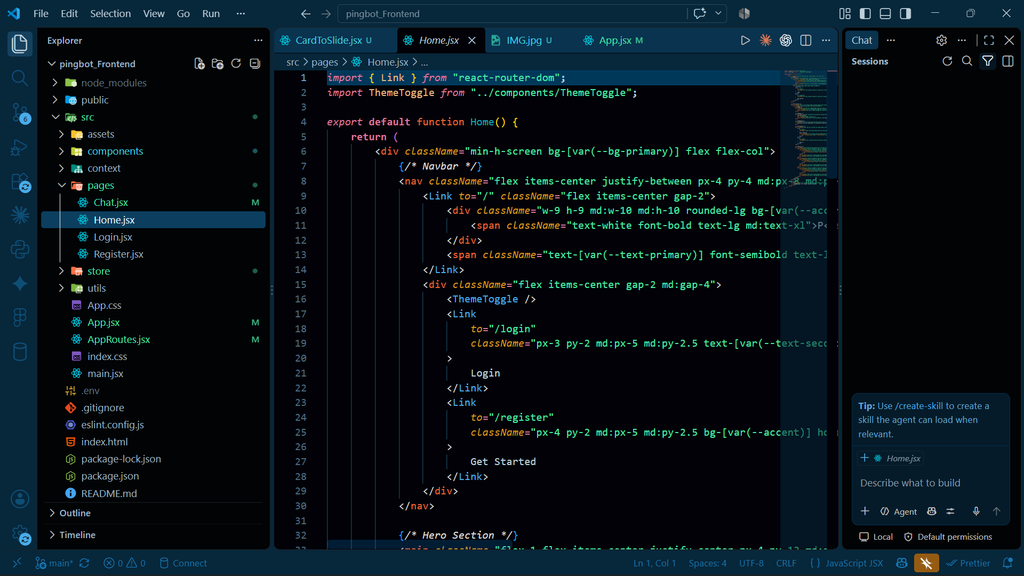
What Is React.js and Why Does the Industry Use It?
React is a JavaScript library made by Facebook (Meta) in 2013. Its one job is to help you build user interfaces — the part of a website or app that the user actually sees and interacts with.
Before React, developers built websites where every small change required reloading the whole page. React introduced a concept called the Virtual DOM — a lightweight copy of the actual page that React uses to figure out exactly what changed, so it only updates that specific part. This made web apps feel fast and responsive.
Read More: I Used Hyper3D Rodin to Generate Image to 3D Model Free — Here’s What Happened
Here are the three core things React teaches you that you absolutely need to understand before touching Next.js:
- Components — Everything in React is a reusable piece of UI called a component. A button, a navigation bar, a product card — each is a component. You build a page by combining components, like Lego blocks.
- State — State is data that can change. A counter that goes up when you click a button, a form input that stores what you type, a cart that adds items — all of this is managed with state. React uses
useStatefor this. - Props — Props are how you pass data from one component to another. Like function arguments, but for UI components. If your
ProductCardcomponent needs to know the product name and price, you pass those in as props.
React is used by Meta, Airbnb, Netflix, Uber, Notion, and thousands of companies worldwide. In India, virtually every major tech company and startup that builds web products uses React. It’s the most in-demand frontend skill in the market right now.
React alone is what’s called a Single Page Application (SPA) library. It gives you full control over your frontend. You decide how routing works, how you fetch data, what performance optimizations you apply. That freedom is great once you understand what you’re doing — but it also means you have to set up everything yourself.
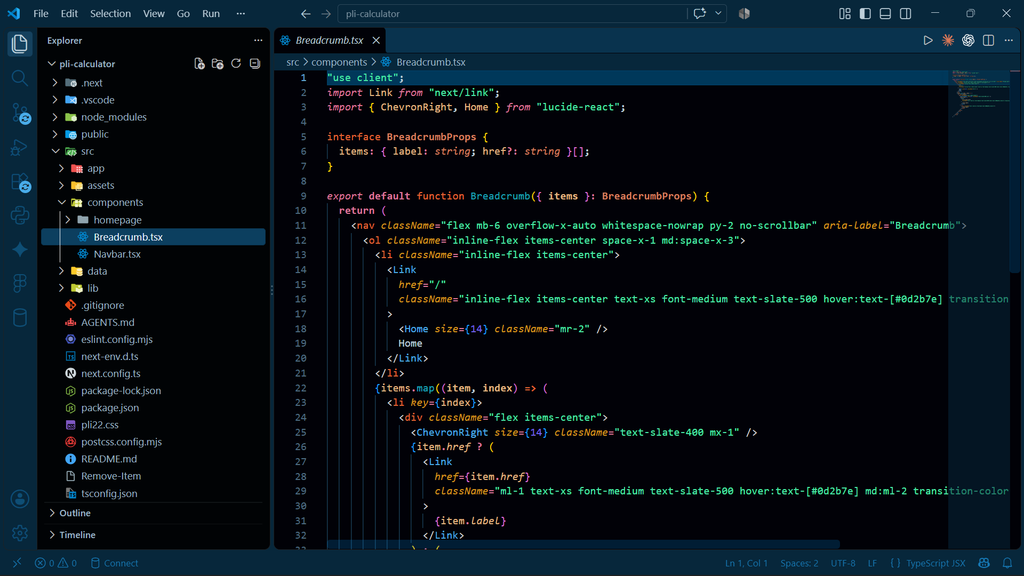
What Is Next.js and What Problem Does It Actually Solve?
Next.js is a full-stack framework built on top of React by a company called Vercel. Think of it like this: if React is the engine, Next.js is the car — it takes the engine and packages it with steering, wheels, air conditioning, and GPS already installed.
Here’s the problem Next.js solves in the real world. Imagine you built a React app — a product page for an e-commerce website. When Google’s bot visits your page to index it for search results, it sees a nearly blank HTML file with a JavaScript bundle. Why? Because React renders everything in the browser — Google has to run your JavaScript first to see your content. This is terrible for SEO.
Read More: I Tried Impeccable : The AI Design Skill That Wants to Kill UI Slop for Good
Next.js fixes this by rendering your pages on the server first, so Google (and users) get a fully-formed HTML page immediately. This is called Server-Side Rendering (SSR). But that’s just one of the problems it solves:
What you handle yourself React (alone)
- Routing (you install React Router)
- SEO (you figure it out with Helmet)
- Server-side rendering (complex setup)
- API calls (manual fetch/axios setup)
- Code splitting (manual webpack config)
- Image optimization (you do it yourself)
- Backend logic (separate server needed)
What comes built in Next.js (React + more)
- File-based routing (create a file = a page)
- SSR, SSG, ISR out of the box
- API Routes (backend in the same project)
- Automatic code splitting
- Built-in image optimization
- Great SEO by default
- Edge functions and middleware
Understanding the Relationship Between React and Next.js
Next.js does not replace React. This is the biggest confusion I see among beginners. You still write React components, use useState, useEffect, and pass props exactly the same way Next.js just gives you a frame to put those components in.
Every React concept you learn carries over 100% into Next.js. The difference is that Next.js makes decisions for you that React leaves open — like how routing works and where your pages are rendered.
React is like knowing how to cook. Next.js is like having a professional kitchen better tools, an organized space, everything in the right place. But if you don’t know how to cook at all, a professional kitchen just makes things more confusing, not easier.
React vs Next.js (Feature by Feature Comparison)
Let me explain each major difference in simple terms, because this is where most tutorials lose beginners.
| Feature | React.js | Next.js |
|---|---|---|
| Routing How you move between pages | You install React Router separately and define routes manually in code. More flexible but more setup. | File-based routing create a file called about.js in the pages folder and /about is automatically a page. Zero configuration. |
| SEO Can Google read your content? | Poor SEO by default. Google sees an empty HTML page because React renders in the browser. Workarounds exist but are complex. | Excellent SEO. Pages are rendered on the server first, so search engines see real content immediately. |
| Page Rendering How the page is built | CSR only Client-Side Rendering. The browser downloads JavaScript and builds the page. | SSR (Server-Side Rendering), SSG (Static Site Generation), ISR (Incremental Static Regeneration) you choose per page. |
| State Management Managing data across components | useState, useContext, Redux, Zustand you pick and set up your own solution. | Same React tools, but adds server state — some data never reaches the client browser at all (more secure, faster). |
| Backend / API Server-side logic | No backend. You need a separate Express/Node server for any server-side work. | API Routes built in write /pages/api/users.js and you have a backend endpoint. One repo, full stack. |
| Performance | Good, but manual optimization required. You control code splitting, lazy loading, etc. | Automatic code splitting, image optimization, font optimization, and edge caching out of the box. |
| Learning curve | Steeper at first you make all decisions. But teaches fundamentals deeply. | Easier surface conventions reduce decisions. But confusing if React fundamentals are weak. |
The rendering options in Next.js deserve a simple explanation because this comes up in every interview:
- SSR (Server-Side Rendering) — The server builds the page fresh for every single request. Best for real-time data like dashboards or user profiles.
- SSG (Static Site Generation) — Pages are built once at deploy time. Best for blogs, marketing sites — content that doesn’t change every second. Extremely fast.
- ISR (Incremental Static Regeneration) — Pages are built statically but can update themselves in the background after a set time. Best of both worlds for content that changes occasionally.
The Role of JavaScript in Both React and Next.js
This is the part most roadmaps skip: your JavaScript foundation determines how far you go in both React and Next.js.
React and Next.js are both JavaScript at their core. If your JavaScript is weak, you won’t understand why your state isn’t updating, why an async function isn’t working, or why your component re-renders three times. You’ll copy solutions from Stack Overflow without knowing why they work.
Before you touch React, make sure you’re solid on these JavaScript concepts:
- Arrow functions and
thisbinding - Array methods:
.map(),.filter(),.reduce()— React uses these constantly - Destructuring (objects and arrays)
- Spread operator (
...) - Promises and
async/await - ES6 modules (
import/export) - Template literals
In Next.js specifically, JavaScript becomes even more important because you’re also writing server-side code. Understanding when code runs in the browser vs the server is a JavaScript-level concept, not a Next.js concept. You can’t reason about it without a solid JS foundation.
The Recommended Learning Path (What I’d Tell My Younger Self)
- JavaScript Fundamentals (4–6 weeks): Topic: ES6+, array methods, async/await, DOM manipulation basics. Don’t skip this. Weak JS is the root cause of 90% of React confusion.
- React Core Concepts (6–8 weeks): Components, JSX, props, useState, useEffect, event handling, conditional rendering, lists and keys, forms. Build 3–4 small projects — a todo app, a weather app, a shopping cart.
- React Intermediate (3–4 weeks): useContext, useReducer, custom hooks, React Router, API integration with fetch/axios, error boundaries. At this point you can build real apps.
- Next.js (4–6 weeks): File-based routing, SSR vs SSG vs ISR, API routes, getServerSideProps / getStaticProps, Image and Head components, deployment on Vercel. Now every React concept clicks in a new context.
- Next.js Advanced + Ecosystem: App Router (Next.js 13+), Server Components, middleware, authentication (NextAuth), database integration (Prisma + PostgreSQL), deployment and CI/CD. This is production-level.
Common Beginner Mistakes I See All the Time
Mistake 1: Jumping into Next.js after a 2-week React tutorial. You see that Next.js sets up routing automatically and think it’s simpler. But the moment you need to debug a hydration error or understand why your component renders twice, you’re lost without React fundamentals.
Mistake 2: Treating Next.js as a completely different technology. It’s not. It’s React with conventions. All your React knowledge is valid inside Next.js. Don’t relearn what you already know.
Mistake 3: Weak JavaScript foundation. If you don’t understand closures, why this behaves differently in arrow functions, or how Promises work, no framework will save you. Fix JavaScript first.
Mistake 4: Learning both at the same time. Some tutorials mix React and Next.js from day one. I understand why — it’s faster to show a working app. But you end up not knowing which part is React and which part is Next.js. Learn them sequentially.
Earning Potential as a React and Next.js Developer
Let’s talk money, because this is why most developers are here. The numbers below are based on real market data from Glassdoor, MentorCruise, and PayScale (October 2026).
Salaried jobs — India
Entry Level (0–2 yrs): ₹4–8 LPA React + basic HTML/CSS/JS
Mid Level (2–5 yrs) ₹10–20 LPA : React + Next.js + API integration
Senior (5+ yrs) : ₹22–45 LPA: Full stack Next.js + system design
Salaried jobs — US / Remote Global
Entry Level: $63–75K: Per year, US market
Mid Level- $85–100K- Per year, 3–5 years experience
Senior- $120–145K-Per year, 5–8 years experience
Earning Potential as a Freelancer (React + Next.js)
Freelancing with Next.js is one of the most lucrative skill combinations you can have right now. Why? Because most clients need websites that are fast, SEO-friendly, and maintainable — and Next.js delivers all three. A basic React SPA often isn’t enough for business websites because of the SEO problem we discussed earlier.
| Junior Freelancer (US rate) | $70–108/hr | Upwork, Fiverr, direct clients |
| Mid-level (US rate) | $89–140/hr | 3–6 years experience |
| Senior (US rate) | $115–178/hr | 7–10 years, specialized work |
| Asia-based freelancers | $23–39/hr | Still ₹1.5–3L/month at volume |
On Upwork specifically, Next.js is listed in hundreds of active job posts right now — from $50 landing pages to $10,000+ SaaS development contracts. The highest-paying freelance work comes from combining Next.js with TypeScript, Prisma, and Tailwind CSS — that stack signals “senior developer” to most US and European clients.
Building Your Own Tools and Earning Through SEO
Here’s an earning path most developers don’t think about: building your own SaaS tools or content sites with Next.js and monetizing them through Google Search, AdSense, and affiliate marketing.
Next.js is genuinely excellent for this because of its built-in SEO capabilities. Your pages get indexed fast, you can do Static Site Generation for high-traffic blog content, and the API routes mean you can build a full product — user auth, database, payments — in one codebase.
The workflow looks like this: find a keyword with decent search volume and low competition, build a useful tool or content site targeting it with Next.js, get it indexed and ranked on Google, then monetize with Google AdSense, affiliate links, or a freemium subscription model. React-only SPAs struggle with this because of the SEO problem. Next.js removes that barrier entirely.
Real queries people are searching right now: “should I learn React or Next.js first” · “can I learn Next.js without React” · “Next.js vs React which is better for jobs” · “React developer interview questions SSR” · “Next.js beginner project ideas” — These are all ranking opportunities for developer content websites exactly like this one.
Is It Okay to Directly Learn Next.js Without React First?
This comes up constantly in developer communities — I found this exact question ranking on Facebook groups and Reddit threads. The short answer is: you can, but you probably shouldn’t.
Technically nothing stops you from starting with Next.js. The official Next.js docs even provide a beginner tutorial. You’ll build something and it’ll work. But the moment something breaks — a re-rendering issue, a hydration mismatch error, a state management problem — you’ll have no foundation to debug from. You’ll be copying solutions without understanding them.
There’s one exception: if you have a strong foundation in another modern framework (Vue, Angular, Svelte), you can probably pick up React fundamentals quickly and transition to Next.js faster. The concepts — components, state, lifecycle — translate. But you still need React specifically, since Next.js is React-based, not framework-agnostic.
The best mental model: React teaches you how to think in components. Next.js teaches you how to ship those components as a production application. Both skills are necessary. Just learn them in the right order.
My Personal Experience — What Happens When You Skip the Fundamentals
Maine apne career mein ek galti ki jo bahut se developers karte hain — maine React ke basic strong karne se pehle hi Next.js aur production-level projects mein jump kiya. Kuch time ke liye theek raha. Projects ban rahe the, clients khush the. Lekin jab maine job switch ki, tab actual problem samajh aayi.
Interview mein interviewer ne seedha poochhha: “Server-side rendering kaise kaam karta hai? SSG aur SSR mein kya difference hai? Aapka React app SEO ke liye kyun optimize nahi hai?” Aur mujhe honestly kehna pad raha tha — I know the code works, but I can’t explain why.
Yahi problem hai React-only developers ke saath jab wo job switch karte hain. Bahut companies ab Next.js-first hain. Agar aapko SSR, page rendering modes, hydration errors, aur SEO implications samajh nahi aate — aur ye sab React ke basics se aata hai, not just Next.js — toh aap salary negotiation mein bhi weak rahoge. “I can build it” aur “I understand it deeply enough to lead it” mein bahut difference hai, aur interviewers wo fark ek sawaal mein pakad lete hain.
Salary aur future scope dono directly affected hote hain. React + Next.js with strong fundamentals = ₹20 LPA easily at 3–4 years experience in India. React-only with shallow understanding = stuck at ₹8–12 LPA because you can’t clear the senior-level rounds. Don’t rush the foundation. It pays the difference.
Should I use NextJS instead of React?
Yes, you should use Next.js if you are building a production-grade public website, e-commerce platform, or any application that relies heavily on SEO and fast initial load times.
Is NextJS still relevant in 2026?
Yes, Next.js remains highly relevant and is the dominant full-stack React framework in 2026