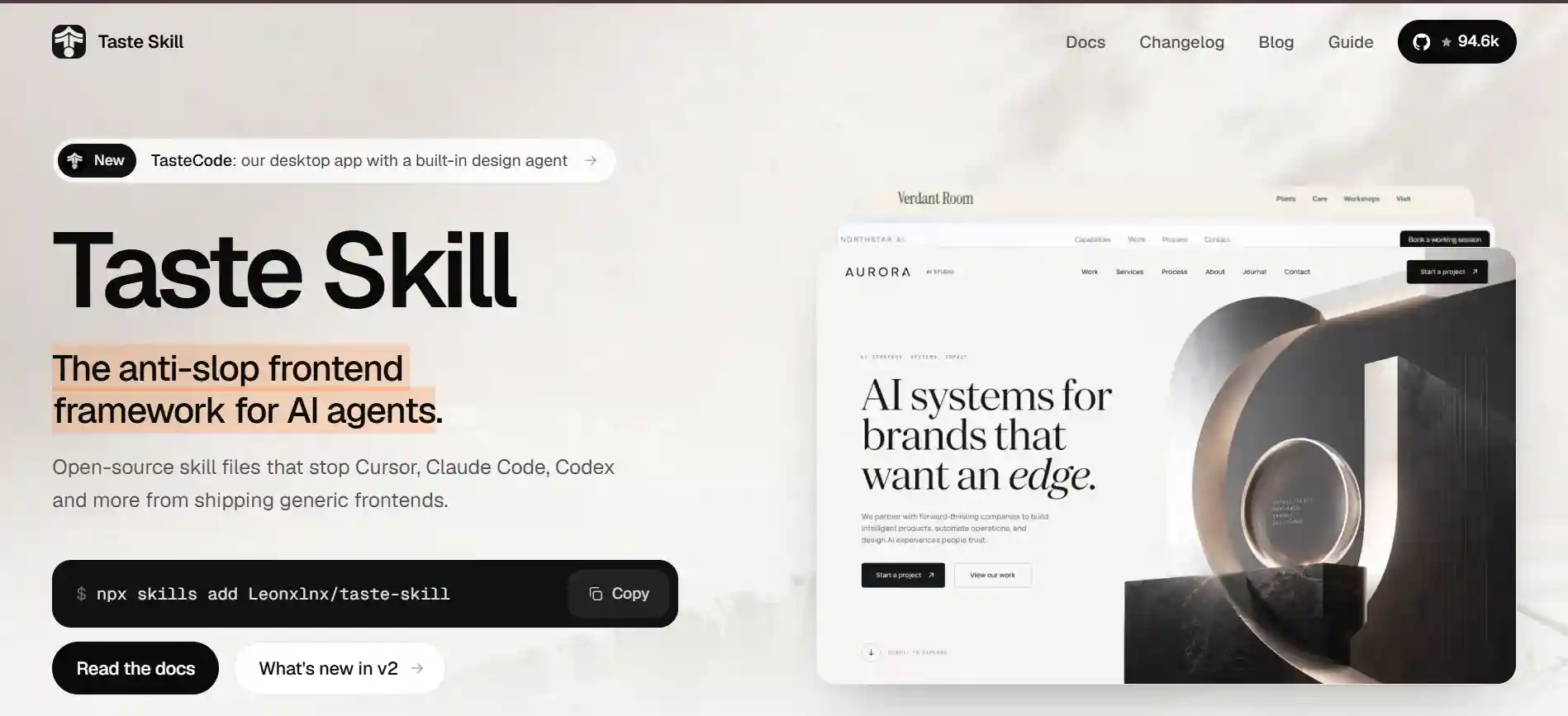
Agent skills for frontend development : Tasteskill.dev
Agent skills for frontend development : Tasteskill.dev I got tired of every AI-generated UI looking like the same Bootstrap template. Then I found Taste Skill and it actually changed how I build with AI coding agents.
The Problem I Was Facing
Let me be real with you. I use AI coding agents a lot. Cursor, Claude Code, v0 — I have tried most of them. And for logic, API work, and backend stuff, they are genuinely great. But the moment I ask any of them to build a UI, it starts feeling like déjà vu.
Same card layout. Same blue button. Same generic hero section with “Get started today” plastered across it. Every single time. There is even a name for this now — people call it AI slop. The bland, predictable designs that AI agents keep defaulting to because nothing is stopping them from picking the most generic option.
I spent more time fixing the design than I saved using the AI in the first place. That felt wrong. So I started looking for a way to fix this at the root level — before the agent writes a single line of CSS.
What Is Taste Skill?
Taste Skill is an open-source framework that gives your AI coding agent a set of design rules to follow before it writes any UI code. Think of it like giving the agent a style guide and a taste level so it stops reaching for the same default every time.
It works through SKILL.md files. These are modular instruction files that your agent reads at the start of a task. The rules cover everything from typography and spacing to color palettes, layout decisions, and motion. Once the agent reads these, it has a much clearer idea of what “good design” looks like for your specific project.
How I think about it
It is basically like hiring a design-aware reviewer who sits next to the agent and says “no, not that layout again” every time it tries to go generic.
Installing it is a single terminal command:
npx skills add Leonxlnx/taste-skill
That is it. One line and it works across Cursor, Claude Code, Codex, v0, Gemini CLI, Lovable — basically any tool that reads SKILL.md files.
Brief Inference : The Part That Actually Impressed Me
One thing I did not expect was how smart the brief inference step is. Before building anything, the framework tells the agent to read your prompt and figure out the industry, the audience, the mood, and the layout direction. Then it picks an aesthetic that makes sense for that context.
So if I am building a landing page for a developer tool, it is not going to default to a pastel SaaS look. And if I am building something for a creative studio, it is not going to use a dense data dashboard layout. The agent actually infers the right direction instead of just guessing.
I noticed this immediately when I ran my first project with it. The agent paused and wrote out its design assumptions before touching any code. That was new. And the result looked intentional like someone had actually thought about it.
The 13 Skills — Pick What Fits Your Project
Here is something I really liked about the structure of Taste Skill. It does not force one style on everything. It comes with 13 different skill files, each with its own purpose. You install the one that fits the job.
- design-taste-frontend
- The default v2 skill. Reads the brief, infers direction, avoids templated output.
- soft-skill
- Calm interfaces with generous whitespace and smooth motion.
- minimalist-skill
- Editorial UI with restrained color and sharp structure.
- brutalist-skill
- Swiss typography, raw structure, sharper contrast.
- redesign-skill
- Audit-first approach for cleaning up existing projects.
- output-skill
- Keeps output complete — no placeholders or half-finished work.
I personally started with the default design-taste-frontend skill. But the one that caught my attention next was redesign-skill. I had an older project where the UI was held together by duct tape and prayers. Running the redesign skill gave me a proper visual audit before any changes — it identified what to keep and what to modernise. That alone saved me hours.
How My Workflow Changed After Using It
Before Taste Skill, my flow was: ask the agent to build something, get a generic result, spend 30–45 minutes tweaking it to look halfway decent. Not great.
After adding Taste Skill, the first draft from the agent already had real typographic hierarchy. The spacing felt considered. The color palette was not just blue and grey. I still made tweaks, but they were small adjustments, not a full redesign.
The biggest shift was how much less I had to repeat myself. I stopped saying things like “make it look more premium” or “not so default” in my prompts. The skill file handles that context permanently. The agent already knows.
Real experience note
On one project I was building a product landing page. Before Taste Skill, the agent gave me a centered hero, a three-column features grid, and a blue CTA button. Classic slop. After installing the skill, the same prompt produced a layout with clear visual weight, a custom type pairing, and a design that actually looked like it belonged to the product.
TasteCode — Taking It a Step Further
The team behind Taste Skill also built a desktop app called TasteCode. It is in free public beta right now for macOS and Windows. I have been playing with it and it is basically a local workspace that wraps Claude Code and other agents with a design agent already baked in.
The workflow inside TasteCode goes: Brief → Direction → Build → Review. The design agent reads your request, makes explicit brand and layout decisions, passes those to your coding agent, and then opens the live site to check it. That review step is the part I find most interesting — it captures real viewport screenshots and fixes things that are visually off.
For me, the standalone Taste Skill in my existing agent setup was enough to get started. But if you want the full workflow without manually managing skill files, TasteCode is worth checking out.
What Taste Skill Does Not Do
I want to be honest here because I think a lot of reviews oversell tools. Taste Skill is not magic. The agent still needs a clear prompt from you. If your brief is vague, the skill can only do so much. It improves the design direction, not the thinking behind the feature.
It also does not replace a real designer. If you are building something that needs a strong brand identity or complex interaction design, you still need human design thinking. What Taste Skill does is stop the agent from actively making bad default choices — that is the win.
Should You Use It?
And sometimes the agent still goes a bit generic. It is better, meaningfully better, but not perfect every time. I treat it as a consistent baseline rather than a guarantee.If you use any AI coding agent and you have ever looked at the generated UI and thought “this looks like every other AI-built page I have seen” — yes, you should install Taste Skill. It is open source, takes one command to add, and the improvement in first-draft quality is real.
For developers who vibe-code frontends regularly, this is probably one of the most practical tools you can add to your setup right now. The problem it solves is real, the fix is simple, and the results speak for themselves once you see your first non-slop output come through.
I am keeping it in my workflow permanently. That says enough.
Quick summary for developers: Taste Skill is open source, installs in one command, and works with Cursor, Claude Code, Codex, v0, Gemini CLI, and more. It comes with 13 skill files for different design directions. There is also a free desktop app called TasteCode if you want the full agentic design workflow.
If you have tried it or have a different experience with it, I would love to hear about it. Drop your thoughts in the comments below.
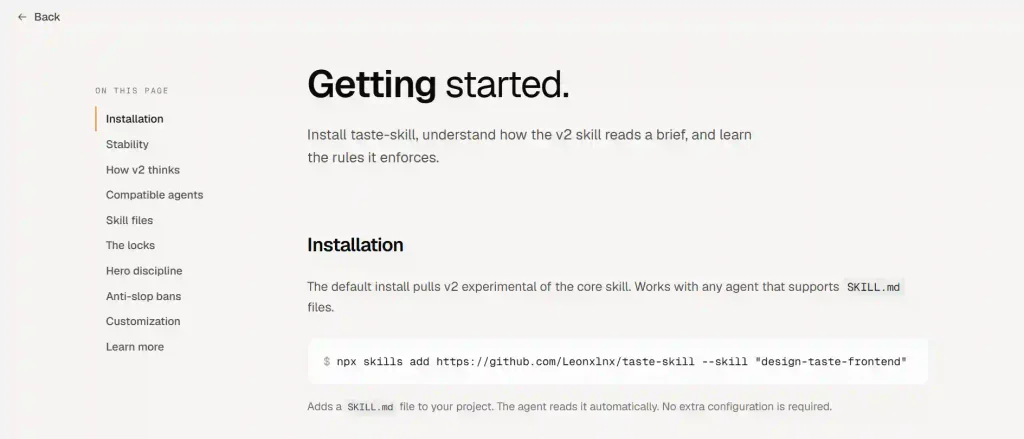
Getting started.
Install taste-skill, understand how the v2 skill reads a brief, and learn the rules it enforces.
Installation
- The default install pulls v2 experimental of the core skill. Works with any agent that supports
SKILL.mdfiles. - npx skills add https://github.com/Leonxlnx/taste-skill –skill “design-taste-frontend”
- Adds a
SKILL.mdfile to your project. The agent reads it automatically. No extra configuration is required.
Legacy v1
- If your workflow depends on v1 behavior, install it explicitly:
- npx skills add https://github.com/Leonxlnx/taste-skill –skill “design-taste-frontend-v1”
Full bundle
- Install every skill in the repo with a single command:
- npx skills add Leonxlnx/taste-skill
Codex
- Install the full skill bundle into the Codex skills directory:
- npx skills add Leonxlnx/taste-skill -a codex
- You can also copy any
SKILL.mdinto your project, or paste it into ChatGPT or Codex conversations. - v2 (experimental)
The default install is now v2 experimental.
v2 is genuinely better than v1 and we recommend it, but it is still iterating. Refinements may land in any pre-release. The install name (design-taste-frontend) stays stable. Section numbering and rule wording may change before v2.0.0 stable cuts.
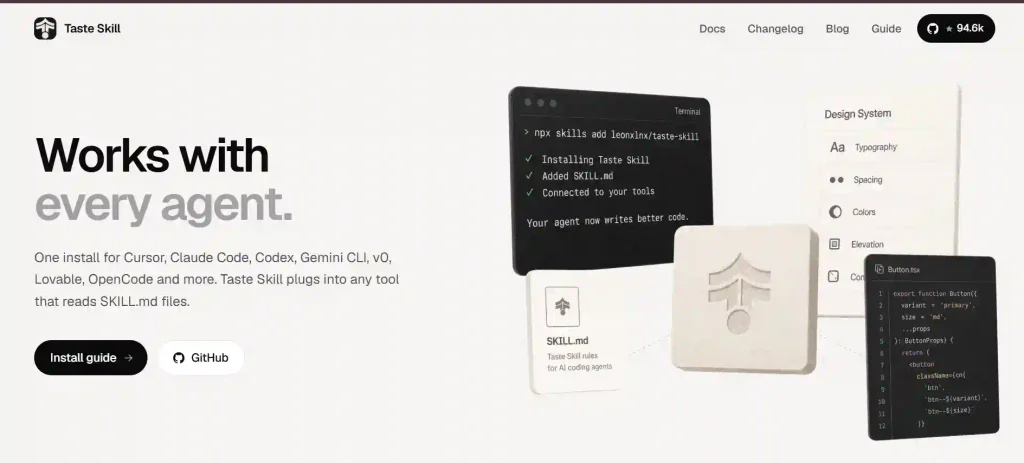
Compatible Agents
Taste Skill works with every major AI coding agent that supports skill files.
- Cursor,
- Claude Code
- Codex
- Antigravity
- Gemini CLI
- AI Studio
- v0
- Lovable
- OpenCode
- OpenClaw
- Windsurf
- Copilot